Wolk-us Training
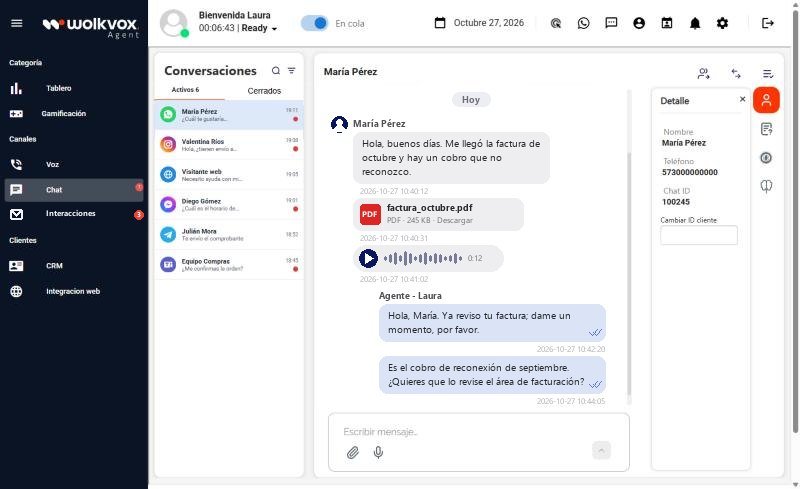
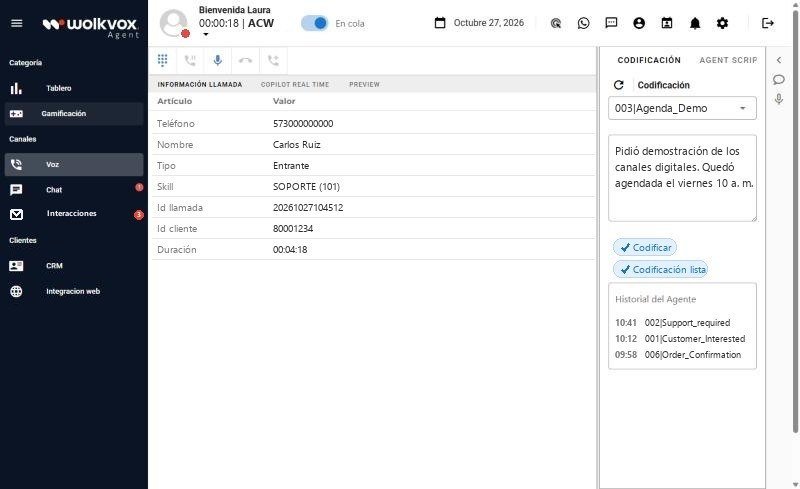
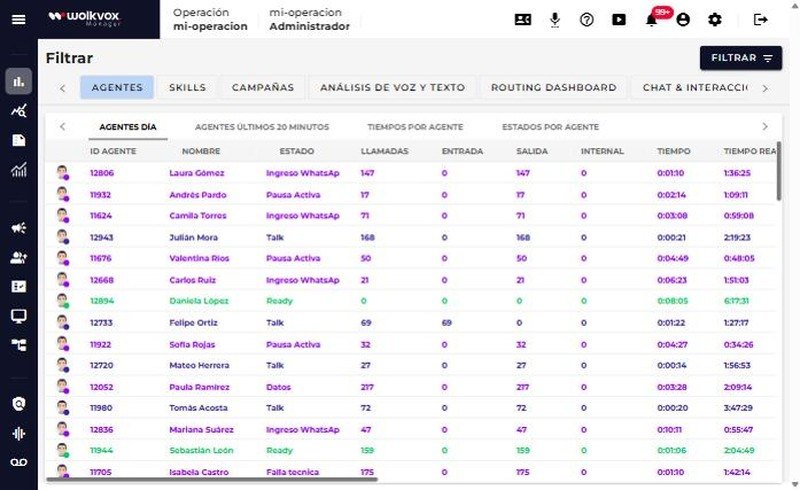
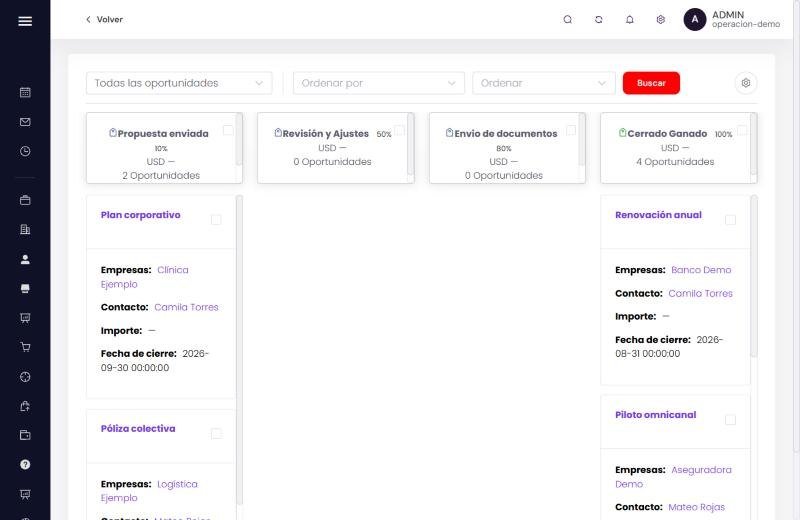
You learn on the real screens of wolkvox Agent, Manager, Studio and CRM: you tap, try and practice as if you were in your own operation, at your own pace and with an AI tutor that answers you in every module.
You handle WhatsApp, web chat and social media from a single inbox.
How you learn
Each module explains things in plain language and gets you doing. All screens are from Wolkvox, with example data.
Tap each number on the screen and it explains what that button, column or field is for.
We ask you a real-life question and you answer by clicking where you would in Wolkvox.
You do the whole task, step by step: close a call, send a WhatsApp message with a template, pull a report.
Still have a question? Ask the module’s tutor and it answers based on what you’re studying.
Your roles define which modules are required. The Training remembers where you left off, from any device.
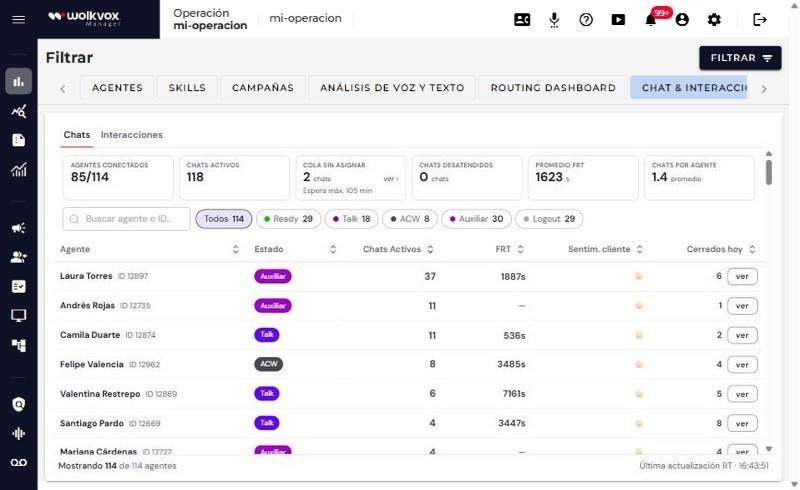
A customer complains that nobody answers them on WhatsApp. Where do you see how many chats are waiting for an agent? Click on the screen.
The courses
Your account gives you access to all the courses. Your roles only mark where to start and what’s required for you. Open each course to see its modules.
Loading the courses…
Sign-up
As soon as you finish, you’ll get an email with the invitation and your first-login password.
We sent the invitation to .
Open the email “Tu acceso al Training Wolk-us” (your access to the Wolk-us Training). If it doesn’t show up in a few minutes, check your spam or promotions folder.
Sign in with your email and the first-login password.
The Training asks you to change it to one of your own, and you start on your path.